Articulate Storyline
Feedback, role-play and memory on your own slides.
- AI feedback on open questions
- Practice conversations with a character
- Learner memory from one course to the next
 Log in See it in action FR
 Integrations
Add AI feedback, practice conversations and learner memory to the courses you already build. Your authoring tool and your LMS stay the same.
 Publish JS Your coursein your LMS
 Your authoring tool
Articulate Storyline
Articulate Rise 360
Any web page
The Q&A and Chat widgets also work on an HTML page or in an authoring tool that supports embeds.
Explore the widgetsAvailable for Storyline and Rise. More tools coming soon.

 Adobe Captivate


Where SlideMind fits
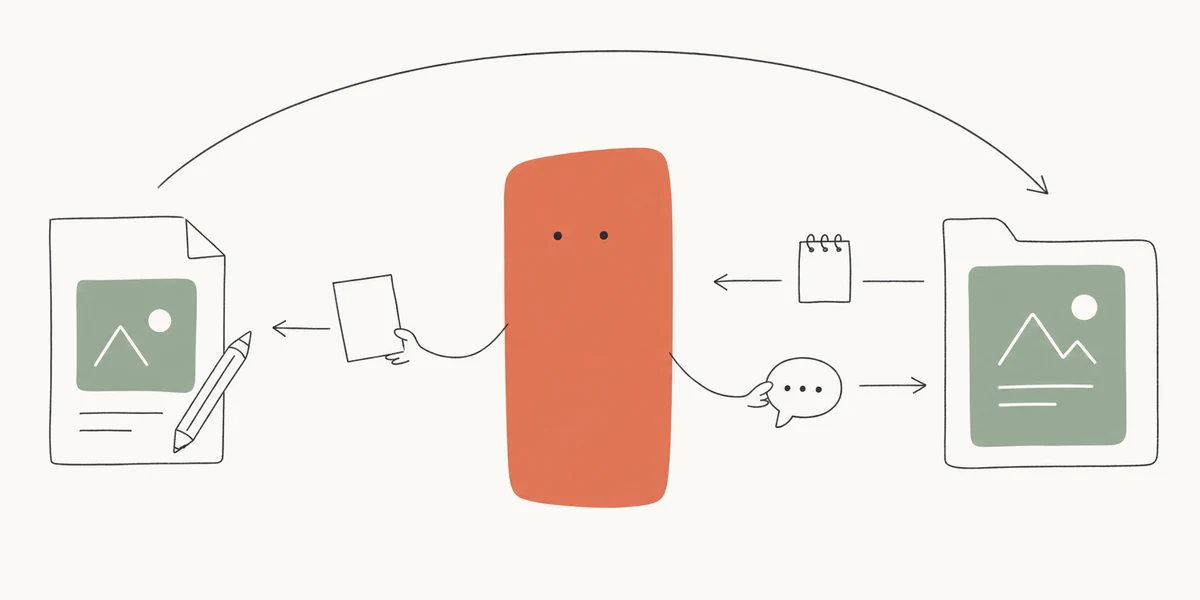
You design the course and its activities, as you do today. SlideMind adds what responds and remembers.

Answers learners according to your instructions, and keeps the details you choose for later courses.
Delivers the course, tracks progress and completion, and recognises the learner from one course to the next.
What your first integration needs.
Your preferred AI provider, connected to your workspace.
Credits and API keys OpenRouter



Bring your own API keys on Pro and Agency. The managed model selection available through SlideMind Credits may differ.
Practical questions
No. SlideMind prepares the code for each activity. You paste it into your course, and the documentation shows where.
SlideMind works inside your published course, so your LMS delivers it as usual. Learner memory needs your LMS to identify the learner when the course launches; SlideMind reads that identity in SCORM, xAPI and cmi5 courses. Test the complete journey in your own LMS.
Not for AI activities: they also work on any web page. Memory from one course to the next needs an LMS, so the same learner is recognised.
Not in Rise: the widget shows its score to the learner, and SlideMind passes only the completion to Rise, not the score. In Storyline, a score you define can feed your own scoring and completion rules.
Adobe Captivate, Lectora, dominKnow | ONE and iSpring Suite are coming soon. Until then, the Q&A and Chat widgets work in authoring tools that support embeds.
Keep the idea going.
Tell us which authoring tool, publishing format and LMS you use to discuss the integration path.
May we use Google Analytics cookies to understand visits and improve this site? Your demo answers are not sent. You can change your choice at any time.
Privacy policy