Articulate Storyline
On your own slide, or as a ready-made widget.
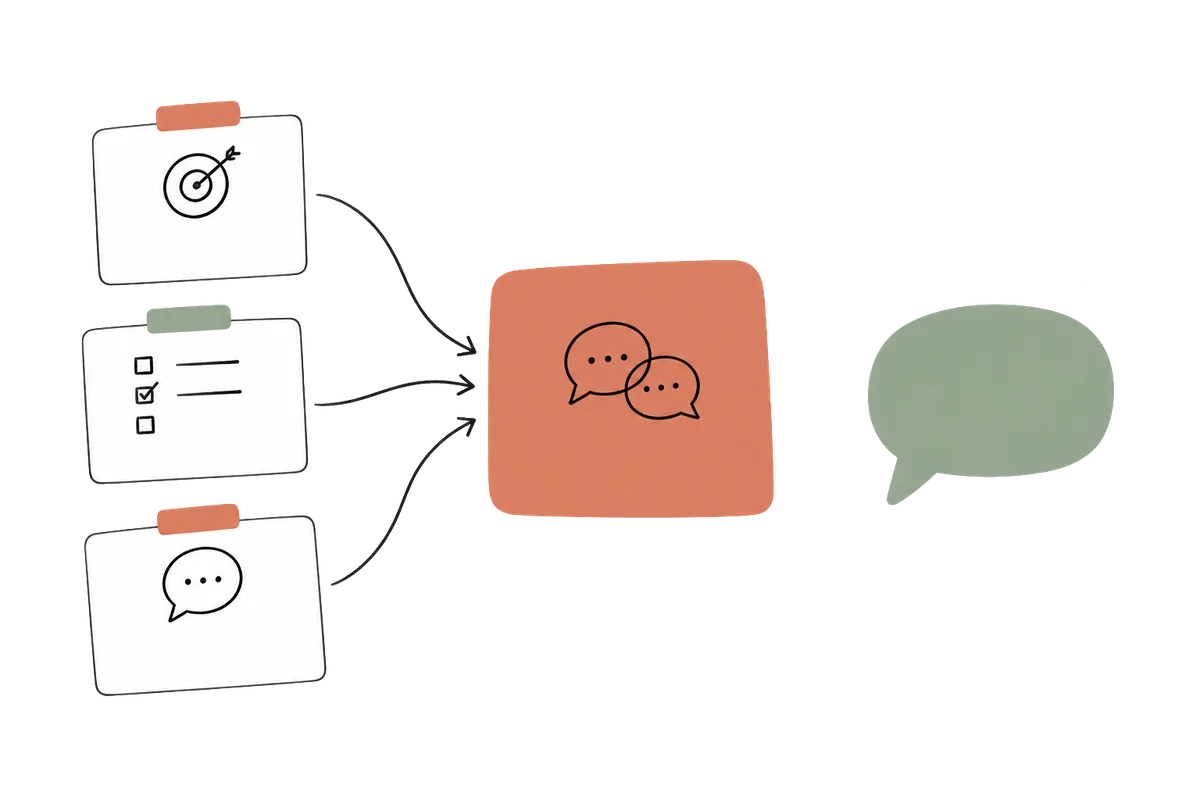
- The feedback in a layer of your slide or in the widget
- A score or a verdict for your triggers, if you add one
- Your triggers decide what comes next
 Log in See it in action FR
 AI feedback for eLearning
Give learners room to explain their thinking. You set the question and what a good answer contains; the feedback responds to what each learner actually wrote, right in your course.

Practising delegation
The criteria stay the same. Choose an answer and submit it: the feedback addresses what that learner actually wrote.
What the learner sees
Against your criteria
Support is offered, but it becomes supervision of every step. The feedback recognises the intention and suggests a different approach.
What the learner sees
Against your criteria
The result and deadline are already clear. The feedback focuses on the missing support.
Your teaching decisions
Here, the learner practises delegating a task while leaving their colleague room to take responsibility. The context matters: this is the colleague’s first weekly update.
Specify the expected result, a deadline and a point of support. Explain what counts as support: checking every paragraph gives the colleague little room to work independently.
Ask for two supportive, specific sentences. Recognise what is present, address a missing criterion and offer an optional next step when all criteria are met.

SlideMind
Instructions for the AI
Learners never see this text.
The task is to delegate the weekly team update to a colleague preparing it for the first time. Evaluate only the answer provided: expected result, deadline and a point of support.
Checking every step does not meet the support criterion. Acknowledge the intention to help and suggest support that leaves the colleague room to take responsibility.
Use a supportive, specific tone. Reply in two sentences: recognise something present, then suggest an improvement tied to a missing criterion. If all three criteria are present, acknowledge them and offer an optional extension.
Do not attribute intentions or actions to the learner that are absent from their answer. If the answer is off topic, invite them to address the question.
Before you use it
“Try it” shows the real widget and its feedback. Try three kinds of answers:
Other situations to explore
In a realistic case, the learner says what they would do and why. The feedback looks at the reasoning, not only the choice.
The learner describes the steps they would follow in a given situation. The feedback points to the step your criteria expect and the answer leaves out.
The learner connects the lesson to their own work. The feedback asks a question that takes the reflection further.
In your course
Articulate Storyline
Articulate Rise 360
Any web page
The Q&A widget also works on an HTML page or in an authoring tool that supports embeds.
Explore the widgetsAuthoring AI can help you draft feedback while building a course. In this activity, feedback is generated during the course from the learner’s own answer. Explore Dialogue Engine
Practical questions
Yes. Write them in the instructions, as in the delegation example. They guide the feedback; try several answers to check that it says what you would say.
Yes, unless you turn it off. After the feedback, a button lets the learner revise their answer and receive new feedback.
No. It is feedback for practice. You can add a score and a verdict to the widget: in Rise, they stay with the learner, and Continue can wait until the feedback appears. In Storyline, your course receives them and your triggers decide what to do with them.
Yes. Every text the learner reads in the widget appears in English or French. The AI answers in the language of your instructions.
No. It can misread an answer or miss a nuance. Test the activity with varied answers, use it for practice rather than grading and, if you wish, show learners a short notice that the feedback comes from AI.
No. The current answer and your criteria are enough for this activity. Memory Engine can add a selected detail when it serves your learning design; it is not a prerequisite for this example.
Keep the idea going.
Choose an activity where explaining a decision matters. Define the criteria, then explore the feedback it could give your learners.
May we use Google Analytics cookies to understand visits and improve this site? Your demo answers are not sent. You can change your choice at any time.
Privacy policy